DNA science is always evolving, and so are we. We periodically update our ancestral regions based on advances in DNA science and an increasing number of samples in our reference panel. With each update, we add new regions, making your results even more precise.
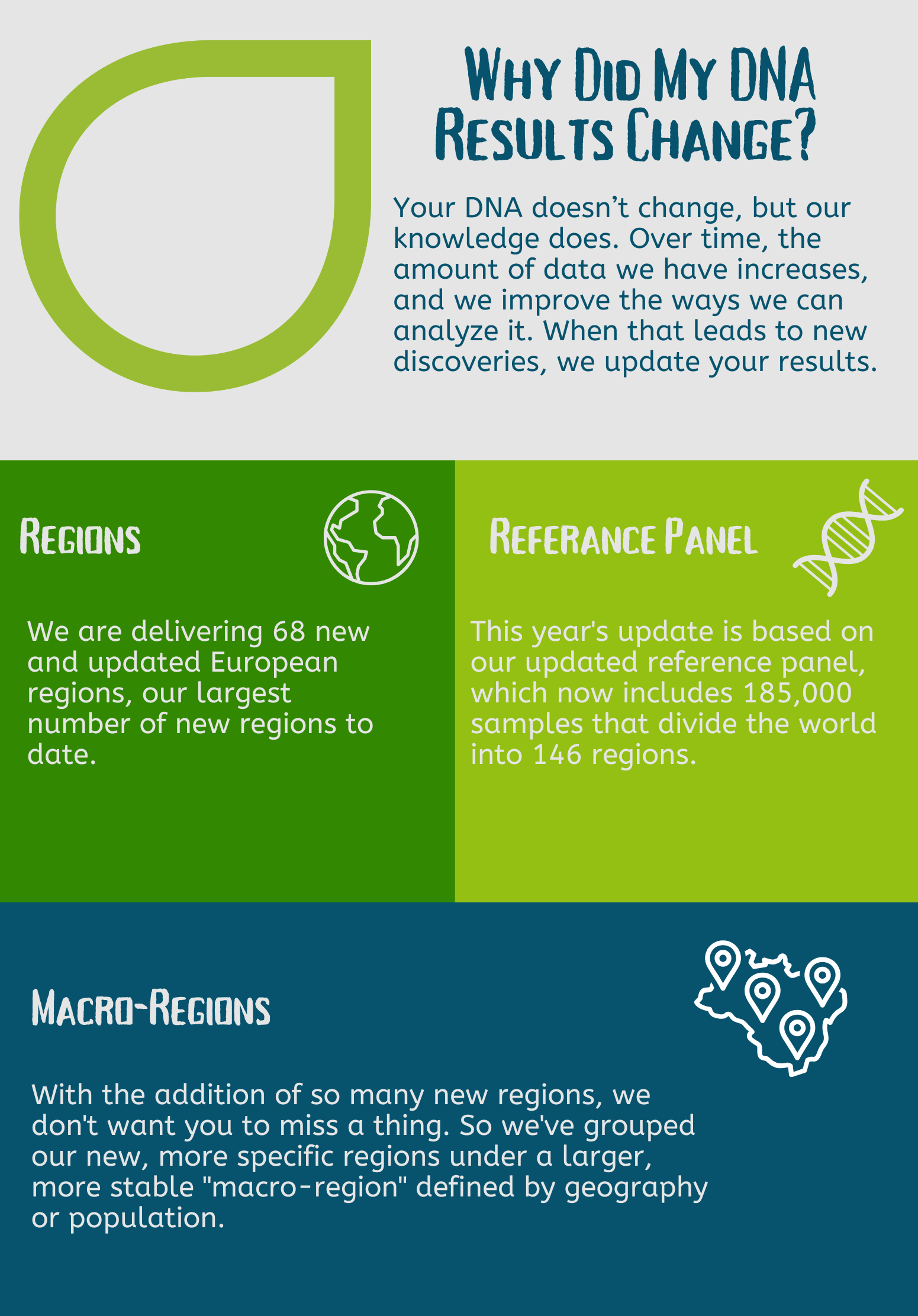
Our larger panel allows us to better distinguish between adjacent regions—like Australia and New Zealand—and to break down larger regions, like East Asia and the Americas, into more detail.
Updated regions are provided free of charge to current https://internalancestrysupport.zendesk.com/hc/en-us/articles/53933316730515-/hc/en-au/articles/53933330544787-Update-Q2-2022-218-New-Communities® members. For 90 days after an update, you can download the prior version of your results (see steps below). This download option is not currently available in the Ancestry app.
For more information, visit our ancestral regions update page.
Downloading your previous version
- Below your regions, click View previous results and FAQs.
- To the right of What changed?, click Download PDF.
Frequently asked /hc/en-us/articles/53933378962707-Frequently-Asked-Questions
When was my DNA last updated?
You can find the date your ancestral regions were last updated below your regions. Here's how:
- Go to Origins.
- Below your regions, look for the "Updated . . . " date. That's when your regions were last updated.
Note: Other features, like ancestral journeys, traits, and matches, might be updated more often and may have changed since that date.
Can I see earlier versions of my ancestral regions?
When your regions are updated, you can access the previous version of your results using the "View previous estimate & FAQs" link under your regions for 90 days. Older results are not available.
How many versions of my ancestral regions are available?
You can see the current and most recent former version of your ancestral regions only. All other versions are unavailable.